Cài đặt
Notifications and documents
Preview what a guest receives, in their language, before they receive it — and check whether the message you thought was sent actually arrived.
Cập nhật lần cuối
Who this is for: Owner, Manager — requires
core.notifications.manage. Where: Settings → Notifications
Everything Nerve sends a guest — confirmations, receipts, folio statements, tax invoices — is rendered from a template, in the recipient's language, with your property's timezone and currency. This screen is where you look at that rendering before a guest does, and where you check what actually went out.
Three cards, in order: a message preview, a document preview, and the delivery history.
Preview a message template#
- Open Settings → Notifications.
- Under Message template preview, choose a Type.
- Choose a Language.
The subject line and the rendered body appear immediately — no button to press.
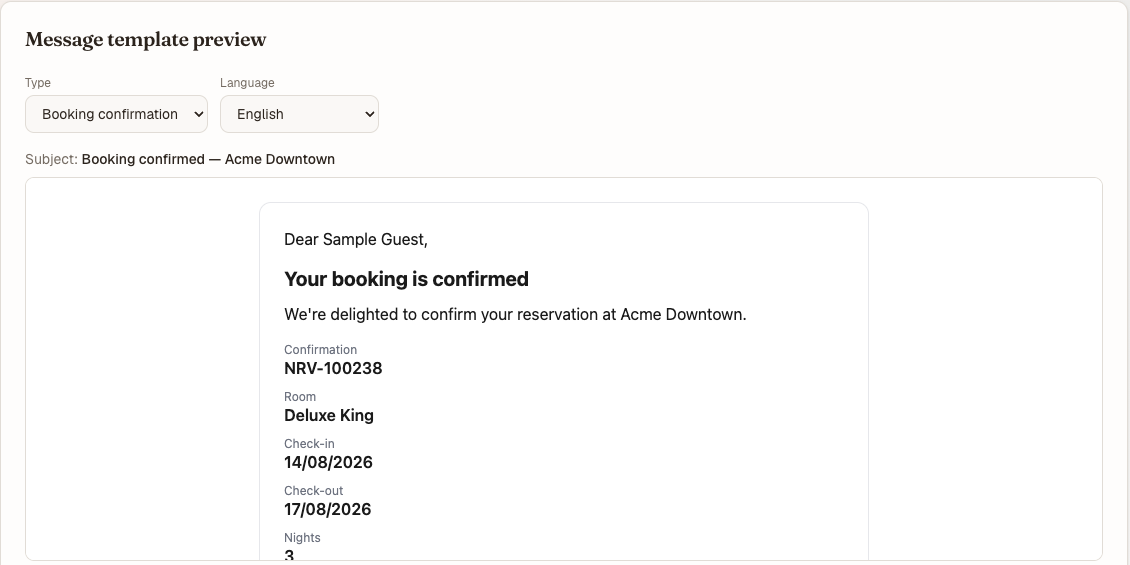
The same renderer the send pipeline uses — what you see is what the guest gets.
| Type | When it is sent |
|---|---|
| Booking confirmation | A booking is made |
| Folio ready | A folio is finalised |
| Payment receipt | A payment is taken |
| Invitation | Somebody is invited to your organisation |
| Marketing offer | A campaign send |
This is the same renderer the send pipeline uses, so what you see is what a guest gets: localized copy, times in the property's timezone, amounts in the property's currency.
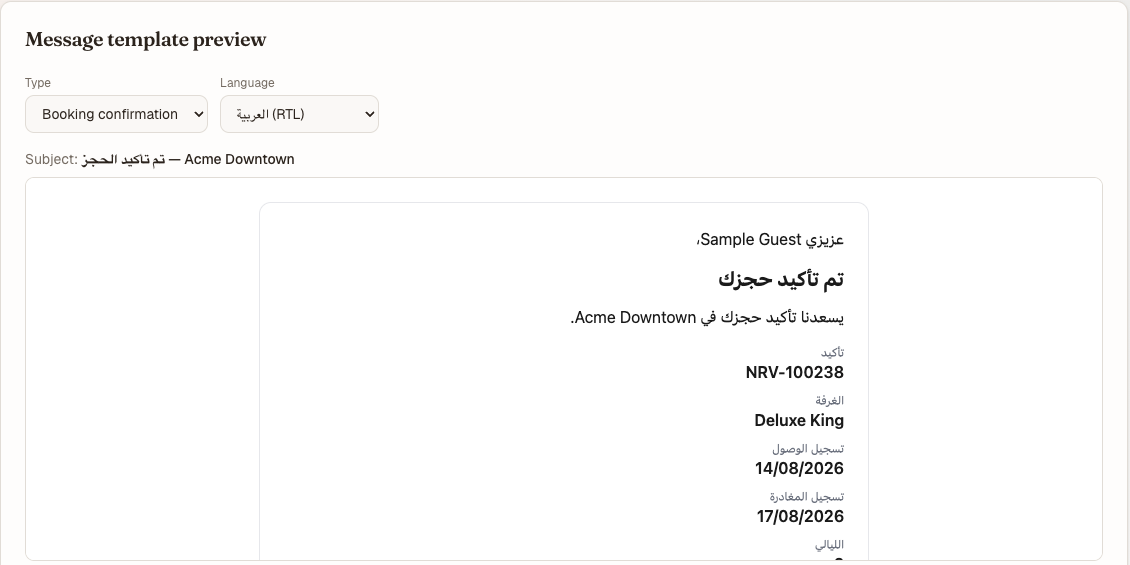
Preview Arabic at least once. A right-to-left layout problem is invisible in English.
Mẹo
Preview Arabic at least once. It renders right-to-left, and a layout problem there is invisible in English and obvious the moment you look.
Preview a document#
- Under Document preview, choose a Document — Booking confirmation, Folio statement, or Tax invoice.
- Choose a Language.
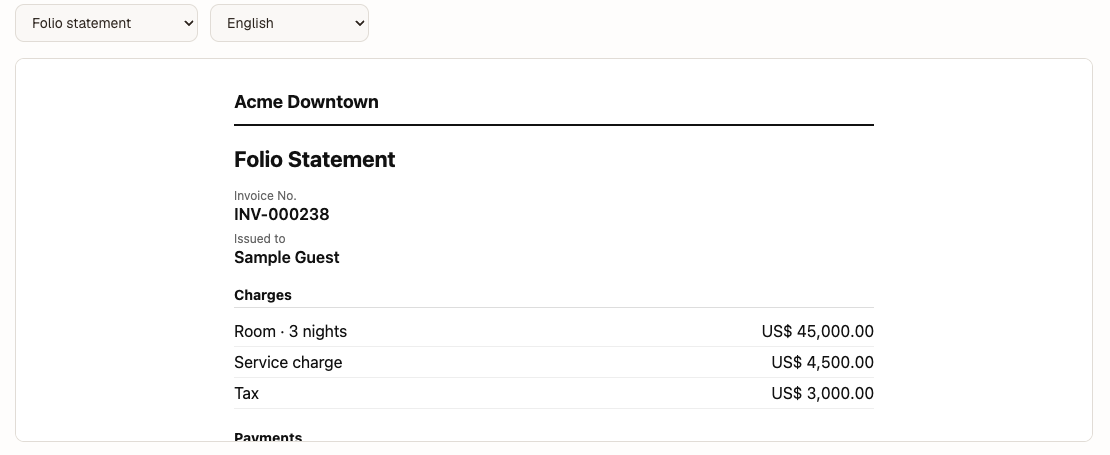
Documents render from the same pipeline with sample data — a faithful rehearsal of the layout.
The document renders with sample data. On a real folio the same renderer mints an immutable artifact, so this preview is a faithful rehearsal of the layout rather than an approximation of it.
Check a delivery, and re-send it#
- Scroll to Recent deliveries.
- Read the row: when, type, recipient, language and status.
- To send it again, select Re-send on that row.
| Status | Meaning |
|---|---|
| sent | Handed to the transport successfully |
| permanently_failed | Given up on — look at the address before re-sending |
| suppressed | Deliberately not sent, e.g. the recipient opted out |
A re-send drives a fresh, idempotent, audited pass through the same pipeline. It is safe to press twice; it is not a way to change what the message says.
A house that has sent nothing yet sees an empty list here — the previews above still work, because they render rather than replay.
Ghi chú
Invitation e-mail is not sent in any environment yet. An invitation appears here as a message and still has to be delivered by hand — you copy the accept link off the Team screen when the invitation is created. Do not wait for the e-mail; there isn't one.
What's next#
- White-label: house terminology — the vocabulary these templates render with
- Properties and hotel settings — the timezone, currency and legal name these documents carry
- Folios — where a folio statement comes from
- The audit log — where a re-send is recorded